
weBoost App: Simpler weBoost Installs
Install weBoost Boosters with Confidence
Getting the best performance out of your signal booster starts with how you install it. To make this process easier, Wilson Connectivity, a leading cellular signal booster manufacturer, launched the weBoost App, a powerful signal booster app designed to simplify setup from start to finish.
The app brings everything you need into one place, from step-by-step installation guides to signal strength measurement and built-in cell tower locator tools, so you can improve your talk, text, and data with more confidence. If you've been wondering how to set up a weBoost signal booster, this guide will walk you through the app's key features that support that process. It's available on both the Google Play Store and the App Store.
We fix poor cell phone signal! Find the right signal booster for you:




Key weBoost App Features
The weBoost App is designed to walk you through setup while giving you easy access to the tools and information you need along the way.
Home Dashboard
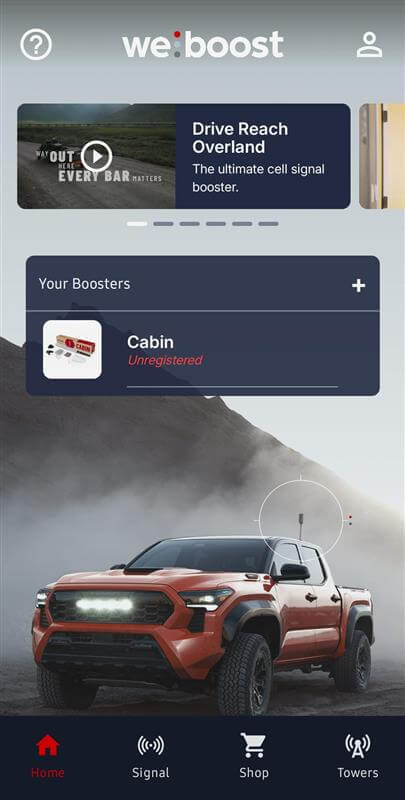
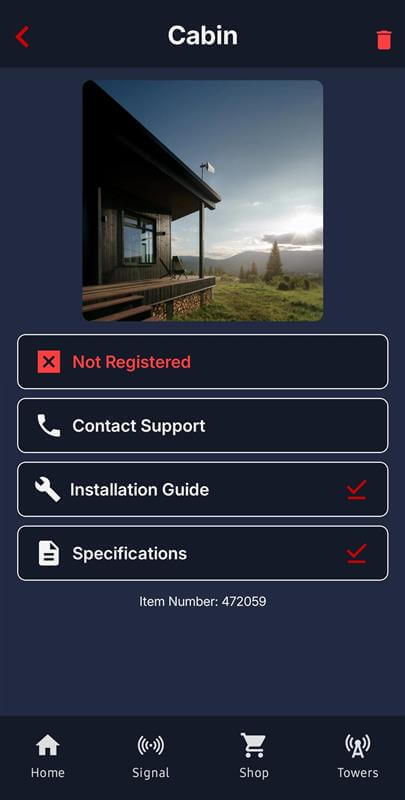
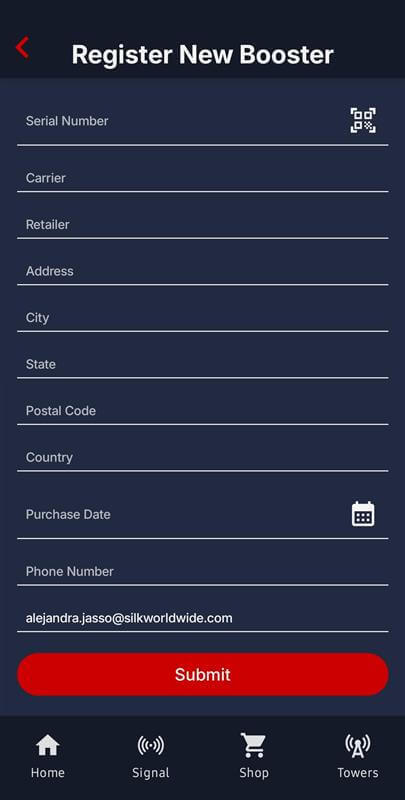
The home dashboard is where everything starts. From here, you can quickly access featured videos and add your booster. Adding your system enables streamlined registration plus instant access to spec sheets and install guides for your specific model. It keeps the most important setup resources in one place so you're not searching for information mid-install.
Measure Your Signal Strength
Knowing your actual signal strength makes a big difference during setup. It helps you find the best place to mount your outside antenna and compare before and after results.
If you're trying to figure out how to test weBoost signal performance, this is one of the most important tools in the app.
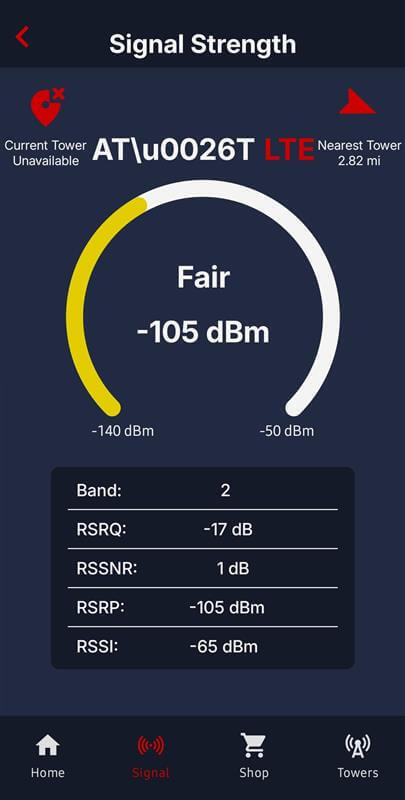
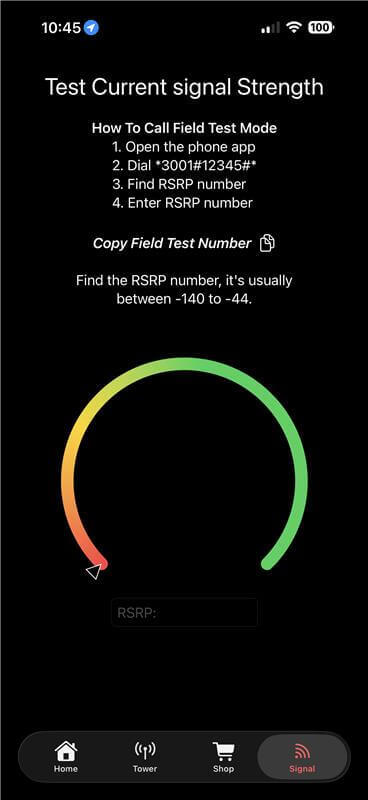
In the app's “Signal” tab, you can measure your signal in dBm, which gives you a much clearer picture than signal bars. Bars can look strong while still delivering unstable performance, since they don't account for signal quality or signal noise. With dBm, the closer you are to -50, the stronger your signal.
On Android devices, you'll see your signal reading almost instantly, along with a color-coded gauge and detailed metrics like frequency, RSRQ, RSSNR, RSRP, and RSSI. On iPhones, the app will guide you through accessing Field Test Mode to view your signal, which takes a few extra steps but provides the same useful insight.
Find Your Tower
Knowing where your nearest cell tower is located helps you aim your outside antenna more accurately, which plays a big role in how much signal your booster can capture.
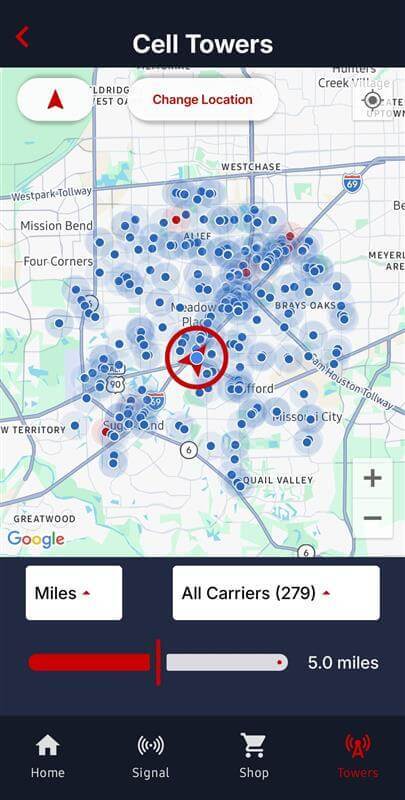
In the app, the tower locator shows nearby cell towers on a map once you grant location access. You can tap on individual towers for more details, filter results by distance and carrier, and use the built-in arrow to point you toward the tower your phone is currently connected to, which is usually the best one to target.
Keep in mind that the app was recently updated, so tower and carrier data may not always be complete. It's still a helpful guide, especially when you're trying to fine-tune antenna direction during installation.
Is the weBoost App a Requirement for Self-Install weBoost Boosters?
Absolutely not. Even with these built-in tools, using the app is not required for installation. As stated by Wilson Connectivity's CEO, Bruce Lancaster, “The weBoost app is simply an additional resource for our customers who appreciate a more detailed tutorial to ensure that their products are running optimally.” If you prefer to use the in-box installation guide, feel free to do so.
A Smarter Way to Set Up Your weBoost Booster
The weBoost App brings the entire installation process into one place, making it easier to set up your booster with more accuracy and less guesswork. From step-by-step guides and device registration to real-time signal measurement and built-in tower location tools, it gives you the information you need to get the best possible performance from your system.
If you have questions about setup, signal strength, or choosing the right booster for your space, our team is happy to help. Give us a call at 1-800-568-2723 or email us at sales@wilsonamplifiers.com, and we'll walk you through it.


Money Back Guarantee

Technical Support